Install VirtualBox at https://www.virtualbox.org.
Download the prebuilt virtual machine from here. Save this to Downloads or some temporary location, because after you are done importing the virtual machine into VirtualBox you can delete this file. Make sure and decompress the file before moving on.
Open VirtualBox. Then go to File then Import Appliance. In the File box click the icon on the right, and then navigate to the OVA file you just decompressed in the previous step.
Then click Next then Finish. At this point you just wait for the import to complete. Your screen should look like the following:

When the import finishes your screen should look like this:
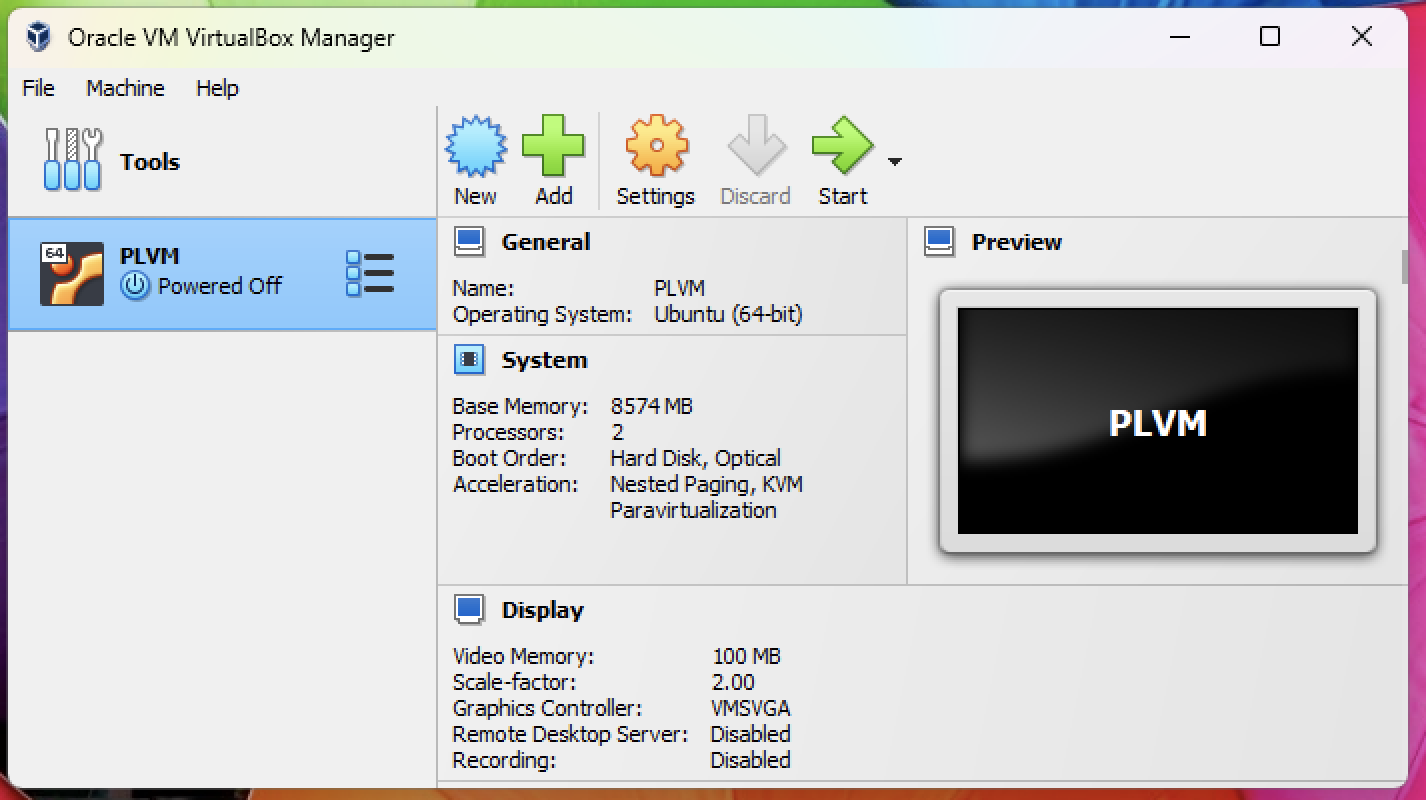
Before booting you will need to make sure the settings of the machine are configured property for your computer. Click Settings. Then System.
Drag the Base Memory toggle into the green if it is not already. Don’t decrease it too much or the machine will run poorly.
Now click Display. Change the scale factor to 100%.
Click ok.
Now start the machine by clicking Start. You should see the Ubuntu splash screen booting up.
Once it’s booted up your screen should look like:
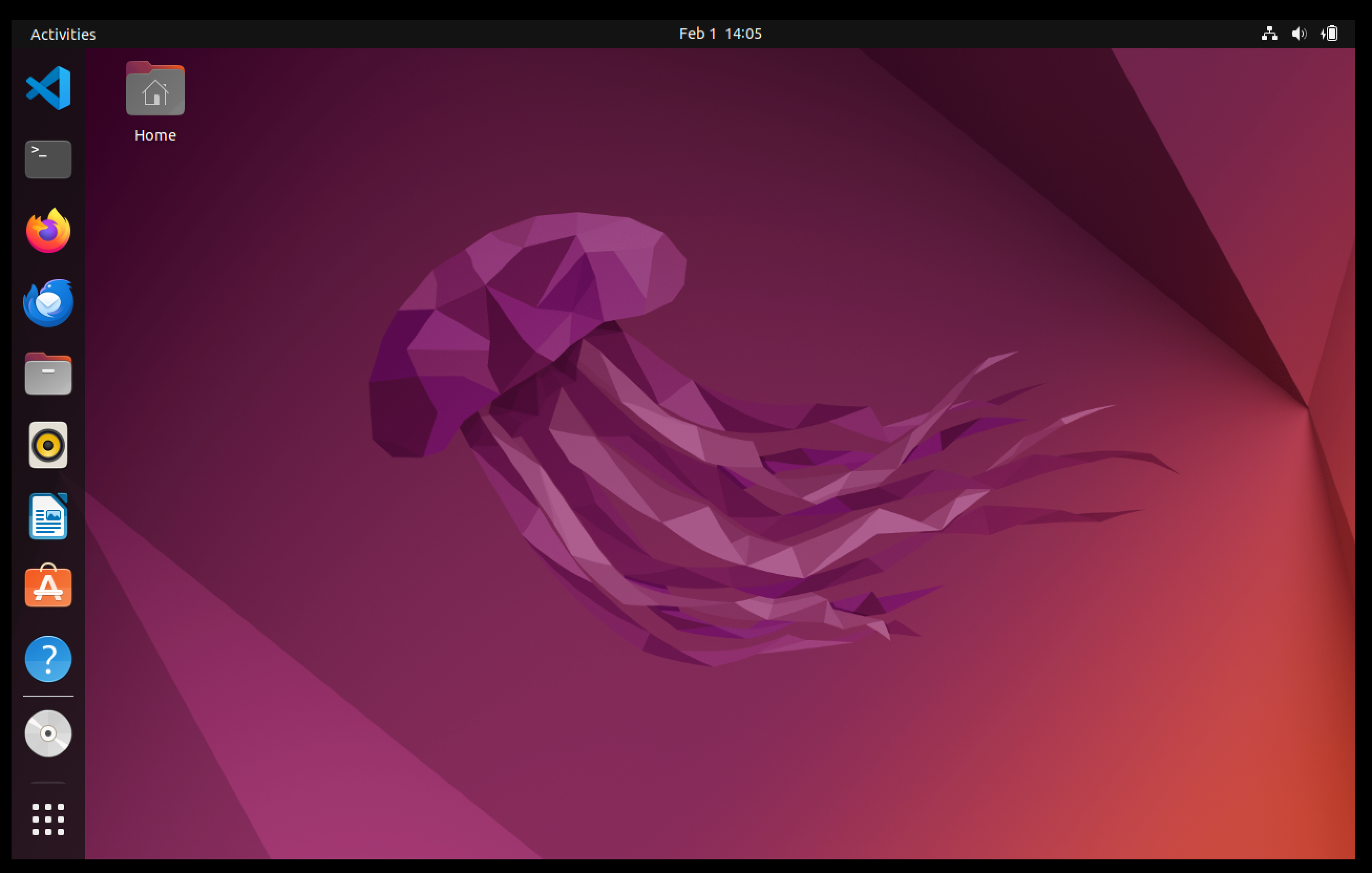
You will see the icon to open VS Code at the top left, and right underneath it is the terminal program for issuing your git commands.
Open the terminal program.
Now go and complete the Git tutorial. This will configure git properly.